Embeds that stay alive
An export that lives on your page: visitors can drag it, hover it, spin it — not a frozen clip.
 motion motion motion studio
 No subscription. No account. Your photos never leave your browser.
Try it freeDrag it — this is the real editor, not a video.
Drag it — this is the real editor, not a video.
Pay once and it's yours for good. No subscription, no renewals, ever.

No uploads, no accounts, no cookies, no profiles. Rendering happens on your machine.

Every export carries its full scene — drop it back in and keep editing.

Point your AI assistant at the spec. It writes scenes that just import.
That's the whole workflow — from template to seamless loop in minutes.
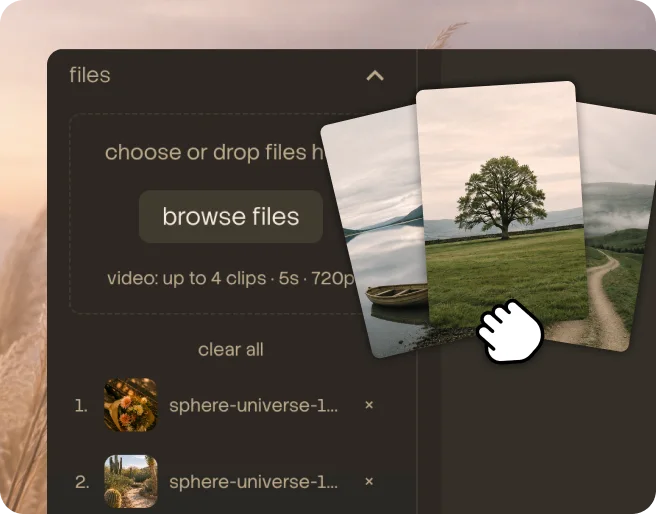
They stay on your device.
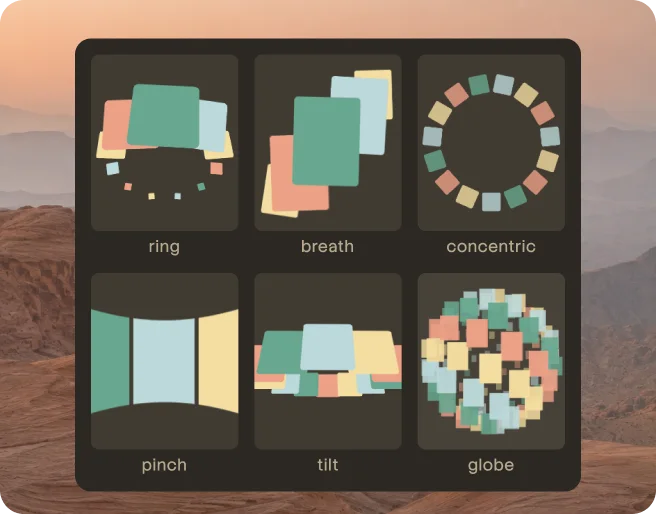
Seven to choose from — each one a different kind of motion.
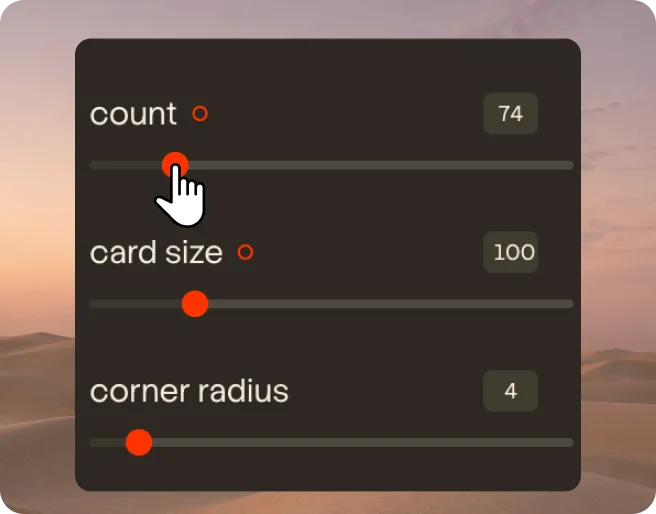
Count, depth, speed — the preview answers as you drag.
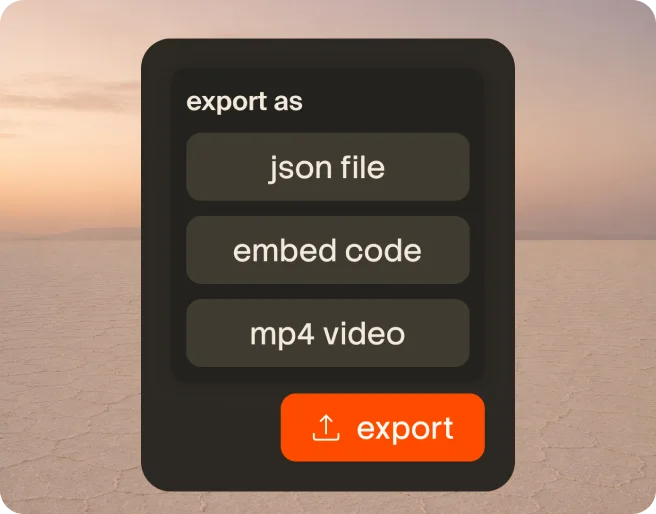
Or an mp4 for anywhere else.
Real exports, straight from the editor — same template, endless looks.
Turn static work into living, looping motion — template in, seamless loop out. No code, no timeline, and everything you make stays interactive and editable.
Every tool here is fast — here's what only Motion Studio does.
An export that lives on your page: visitors can drag it, hover it, spin it — not a frozen clip.
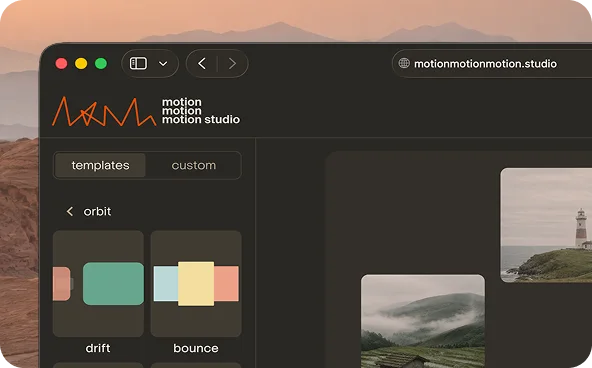
Rendering happens entirely in your browser. Your images never touch a server.
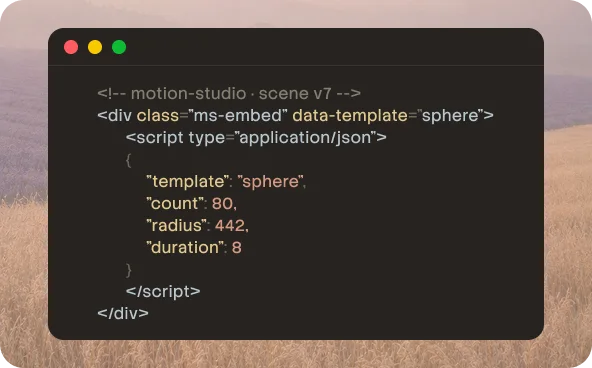
Embeds carry their full parameters — open them six months later and keep tuning. Video cannot do that.
The motion is computed: the last frame is the first frame. No recording, no manual splicing.
Free covers every template and unlimited embeds. Pro unlocks full-quality delivery.
Free
$0
The full tool, not a trial — make, tune, and export as much as you like.
 Every template, every parameterUnlimited 720p exports — with "Made with" badgeLive embeds — small "Made with" badgeNo account neededYour work never leaves your browser
Pro
$39 /lifetime
For work that ships — full quality, your name only.
Full-quality export — 1080pClean embeds, no badgeOne-time — no subscriptionA browser tool that turns your still images into seamless looping motion. Pick a template, drop in your work, tune it with sliders, and export an MP4 or a live embed — no timeline, no code, no account.
No. There are no keyframes and no timeline — every control is a slider with a live preview. If you can adjust a font size, you can use Motion Studio.
Yes — the free plan is the full tool, not a trial: every template, every parameter, unlimited 720p exports. Pro unlocks full-quality export and badge-free embeds.
No. Everything renders locally in your browser — your images never touch a server. Close the tab and nothing is left behind.
Images: 50 per scene, up to 20 MB each. Video: 4 clips, 5 seconds each, 720p, 6 MB in total. One thing worth knowing — large images are re-encoded on the way in, resized down to at most 2400px on the long edge (smaller when a scene holds many images, or on devices with less memory) and saved as WebP, so 20 MB is what we accept, not what gets kept.
Nothing to install — Motion Studio runs entirely in the browser. Editing needs about 900px of width — a desktop, or a tablet in landscape — and embeds and scene files work everywhere. MP4 export works in all modern browsers. Some scenes and a few older devices fall back to a slower path, where results can vary slightly.
A seamless MP4 in 1:1, 9:16 or 16:9 — or a self-contained HTML file: put it on your own site, or anywhere that hosts static files, and embed it like any other page, and it stays interactive and re-editable. You can also download the scene file as a backup or to hand to an agent, or copy a scene link to share just the settings. There's no cap on the video's length — the limit is on how long the render would take. If an export would take too long to finish in a browser tab, Motion Studio stops it before it starts and tells you what to bring down: fewer cards, a shorter loop, or a lower frame rate. Embed export has no such limit, because it renders live instead of frame by frame.
Yes, by construction: the motion is computed so the last frame is the first frame. Nothing is recorded or spliced — there's no seam to hide.
Yes, on both plans. Everything you export — MP4s and embeds alike — is yours to use in client work, ads, and anything you ship.
You still have Pro — you just need to paste your licence key in again. The key is saved in the browser you activated it in, so a new computer — or even a different browser on the same one — starts out on the free plan. It's tied to your purchase, not to any one device, so you can re-activate any time, on as many of your own devices as you like. The key is printed in full in your receipt email, so keep that email — searching your inbox for Motion Studio is usually all it takes. If you can't find it, email usemotionstudio@gmail.com from the address you bought with and we'll re-send the receipt.
No. Being offline never downgrades you. Motion Studio re-checks your licence quietly in the background when it can, and if it can't reach the server it changes nothing and tells you so. The only thing that removes Pro is the licence server saying the key itself is no longer valid — and your licence doesn't expire, so that isn't something time does to it.
In the browser you made them in — not on our servers, and there's no export button. That also means clearing your browser data takes them with it, along with your Pro activation: paste your licence key again and Pro comes back, but presets don't, because there's no copy anywhere else. For a look you want to keep, copy a scene link instead: it carries the identical settings, and opening it in a new tab rebuilds that look. It carries the settings, not your photos — applying one leaves the images you already have alone. Four differences worth knowing: a scene link also carries the canvas ratio and background, which a saved preset doesn't, so applying it switches those too; it won't reappear under Custom; it doesn't keep the name you gave it; and one link holds one look, so it's one link per preset.
No. Everything you export is self-contained: the motion, the settings and your images all sit inside the file. It never calls home, so it doesn't need us to be running. Anything you've already made keeps working exactly as it does today.
Your next showcase is one drag away.
Open the editor